Same URL everywhere
Set it once in each app’s bio field. Future updates happen on your Sociials page only.
Multi-platform creators
You are on Instagram, TikTok, YouTube, LinkedIn, and X — but each app only gives you one bio link. Use a single Sociials URL everywhere and update your offers once instead of chasing five different destinations.
7-day Pro trialNo credit cardBasic free forever
One link for every platform
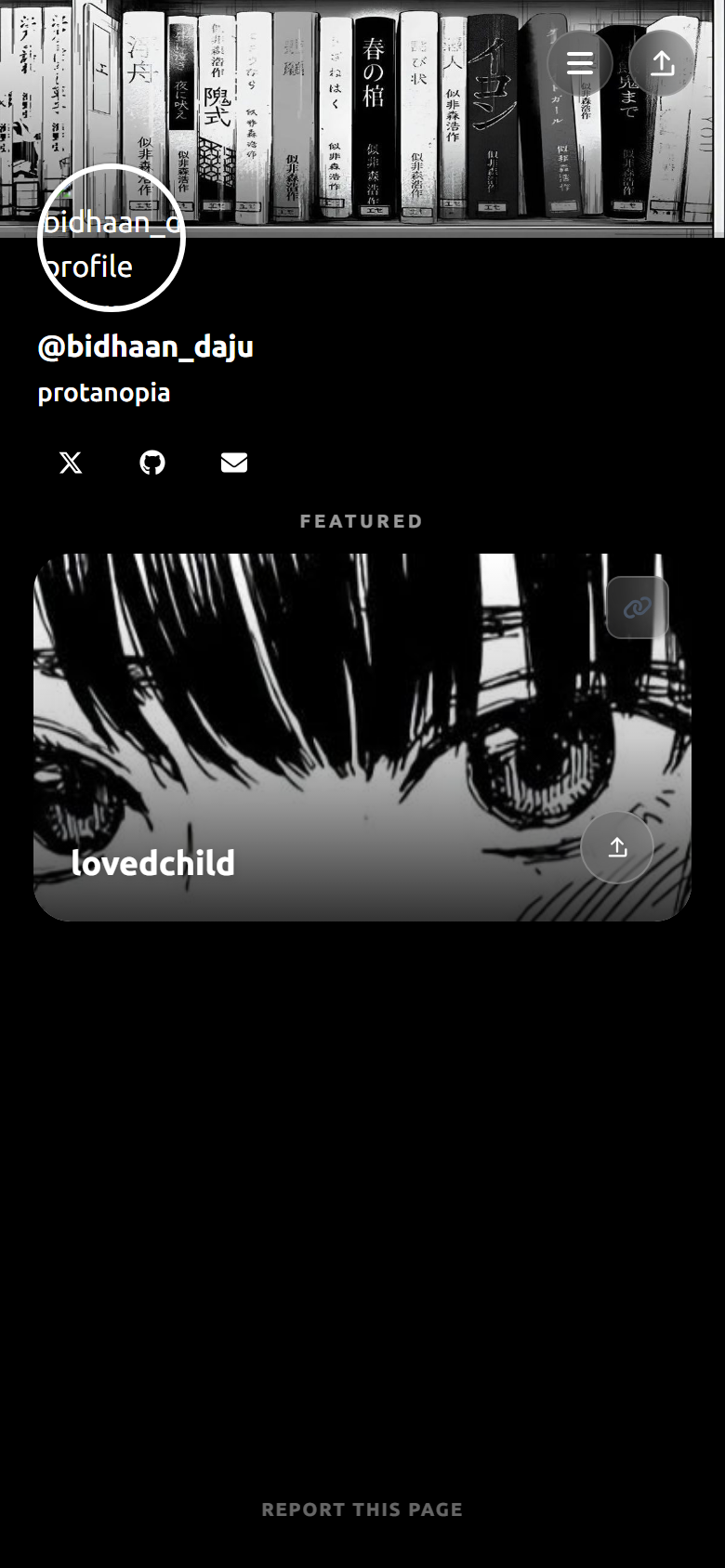
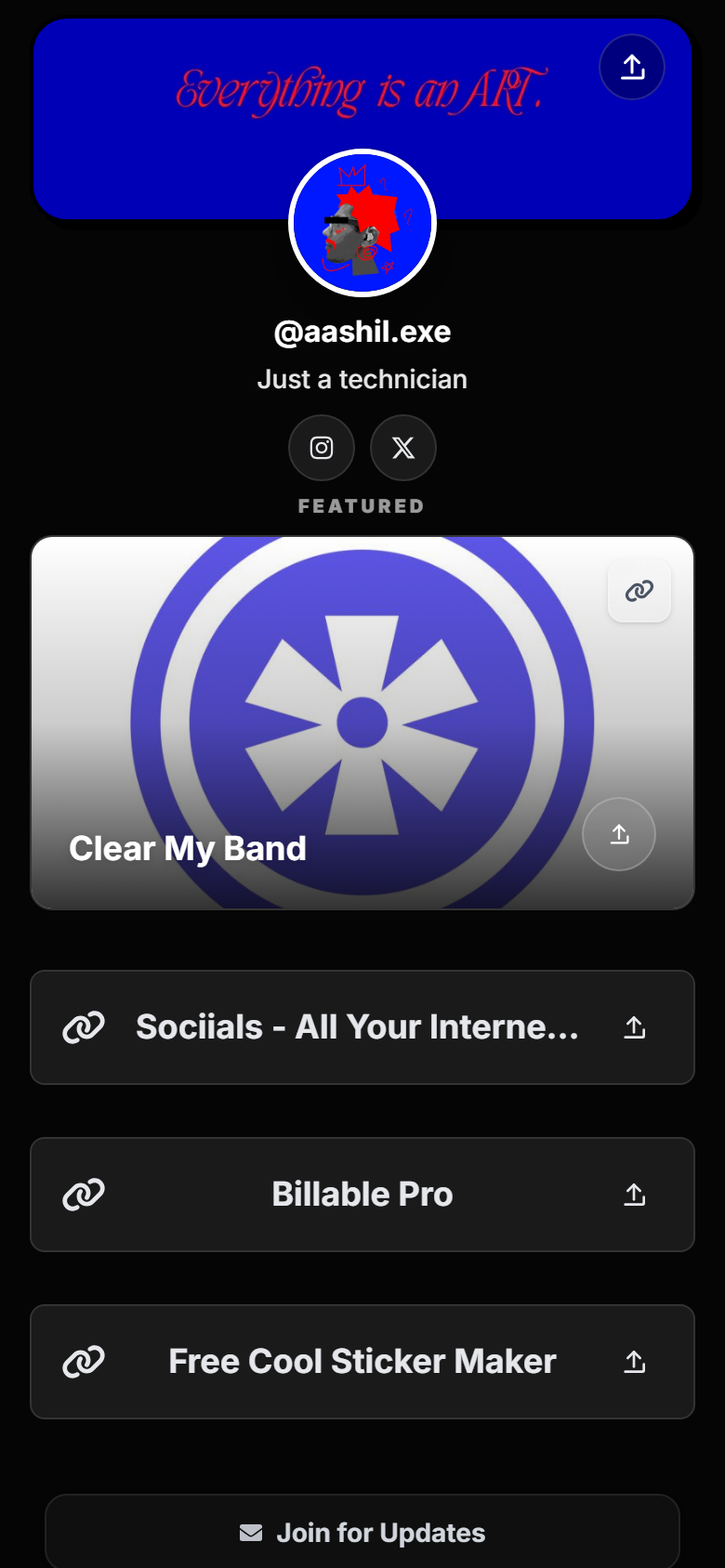
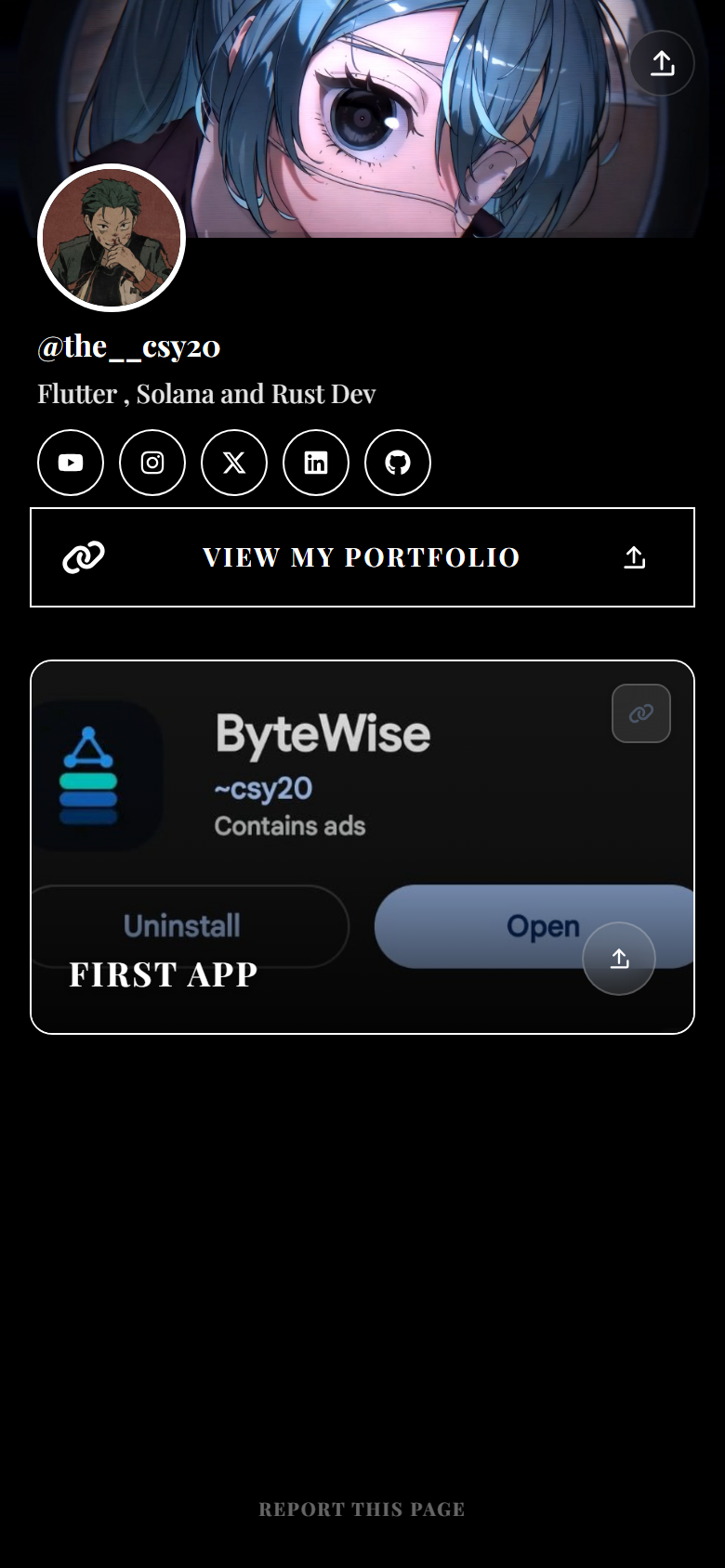
Social apps were not built for people who create everywhere. Instagram allows one website field. TikTok allows one link. YouTube channel profiles allow one external URL. LinkedIn gives you limited featured slots. X has one bio link.
Without a hub, you pick a favorite platform and starve the rest — or you change your bio link every week and confuse returning followers. A single link-in-bio page fixes that: one permanent URL, unlimited buttons behind it.
Think of the page as air traffic control. Visitors arrive from different apps with different intent — a TikTok viewer might want your latest clip, a LinkedIn connection might want your portfolio. Lead with your current priority, then group everything else.
Sociials is built as a multi-platform hub, not a single-network widget. New accounts start with a 7-day Pro trial (no card). Basic includes up to 30 links, social icons, smart embeds, a mini shop (10 products), newsletter signup, and 30-day analytics — enough to run one URL across every profile you manage.
Set it once in each app’s bio field. Future updates happen on your Sociials page only.
Link out to Instagram, TikTok, YouTube, GitHub, LinkedIn, and more from one clean row.
Referrer data helps you see whether Instagram, TikTok, or LinkedIn drives the most link clicks.
Bio traffic is almost all phone screens. Sociials pages load fast and read well on small viewports.
Keep the URL short and memorable — your name or brand, not a random string. Put your strongest offer at the top because visitors from Shorts scroll faster than LinkedIn readers. Say “link in bio” in captions but assume many people will bookmark your hub directly after the first visit.
Do not duplicate your entire website. The hub should answer “what should I do next?” in under five seconds. Link out to long-form content when someone wants depth.
Register sociials.com/yourname — this is the only link you will paste into every bio.
Add your hero CTA, socials, shop or portfolio links, and newsletter if you collect emails.
Instagram → Edit profile → Links. TikTok → Edit profile → Website. Repeat for YouTube, LinkedIn, X, and Threads.
When you ship something new, reorder links on Sociials. Every bio still points to the same URL.
Yes. That is the main point of a link-in-bio hub. One sociials.com/yourname URL works in every platform that accepts a website field.
No. Use one hub URL everywhere. If you need platform-specific tracking, add UTM parameters when you share direct links in captions — your bio link can stay clean.
Update your Sociials page — move the new offer to the top button. You do not need to change the URL in each social bio.
Basic supports up to 30 links; Pro supports up to 100. Group related links so the page stays scannable.
Sociials tracks page views and link clicks with 30 days of history on Basic (365 on Pro), including referrer insights.
A full website works for SEO and complex funnels. A Sociials hub is faster to update and optimized for mobile bio traffic. Many creators use both — the hub for socials, the website for search.
Get started
Claim sociials.com/yourname, add your links once, and paste the same address into every profile.
Start free trialLinktree® is a registered trademark of its respective owner. Sociials is not affiliated with, endorsed by, or sponsored by Linktree. Plans and features on any third-party link-in-bio service can change — verify on that provider’s official site before you switch.