YouTube embeds
Play videos directly on your bio page when smart embeds are on — fewer steps between your Short CTA and the watch.
YouTube creators
YouTube gives you one profile link. Point it to a mobile page that holds your latest upload, merch, newsletter, and every other platform — with optional YouTube embeds and click analytics.
7-day Pro trialNo credit cardBasic free forever
One link for every platform
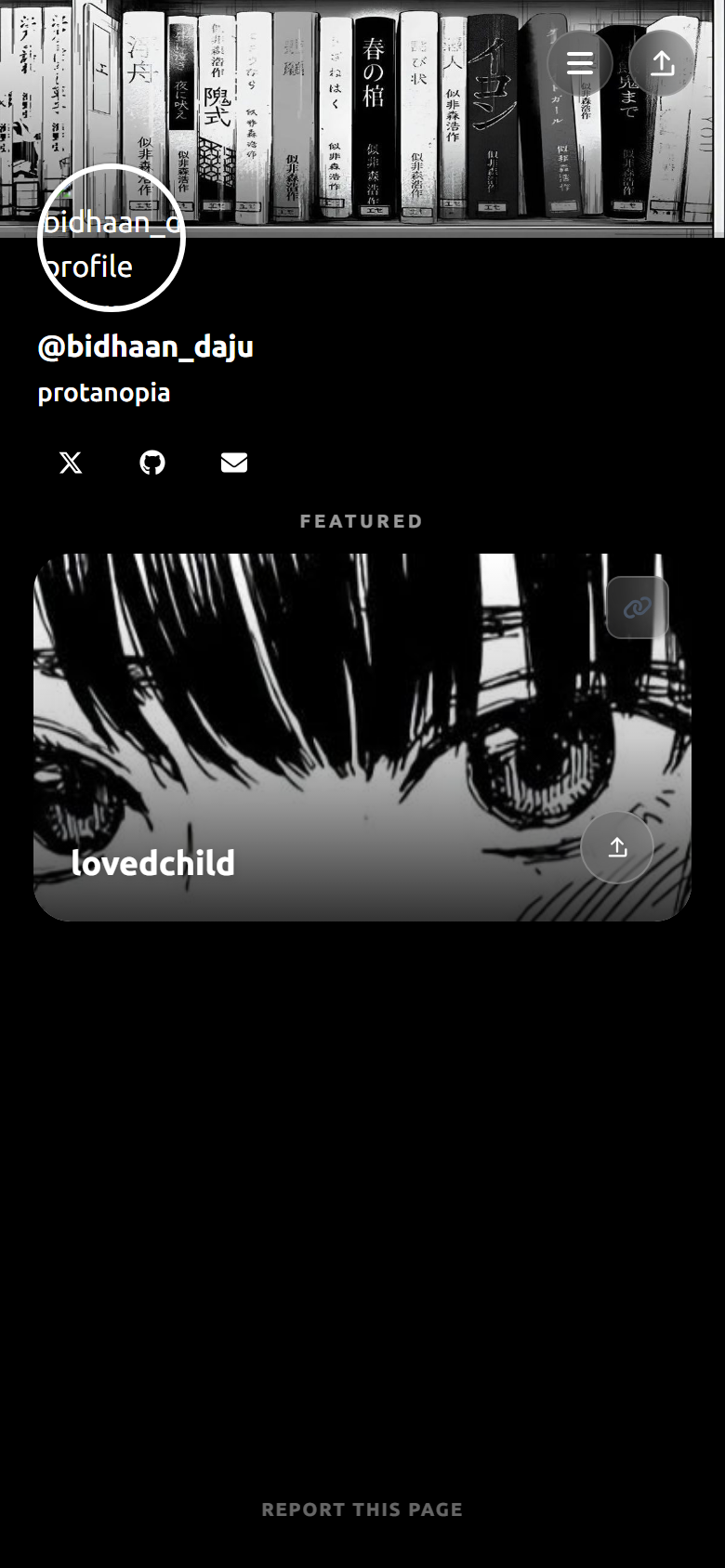
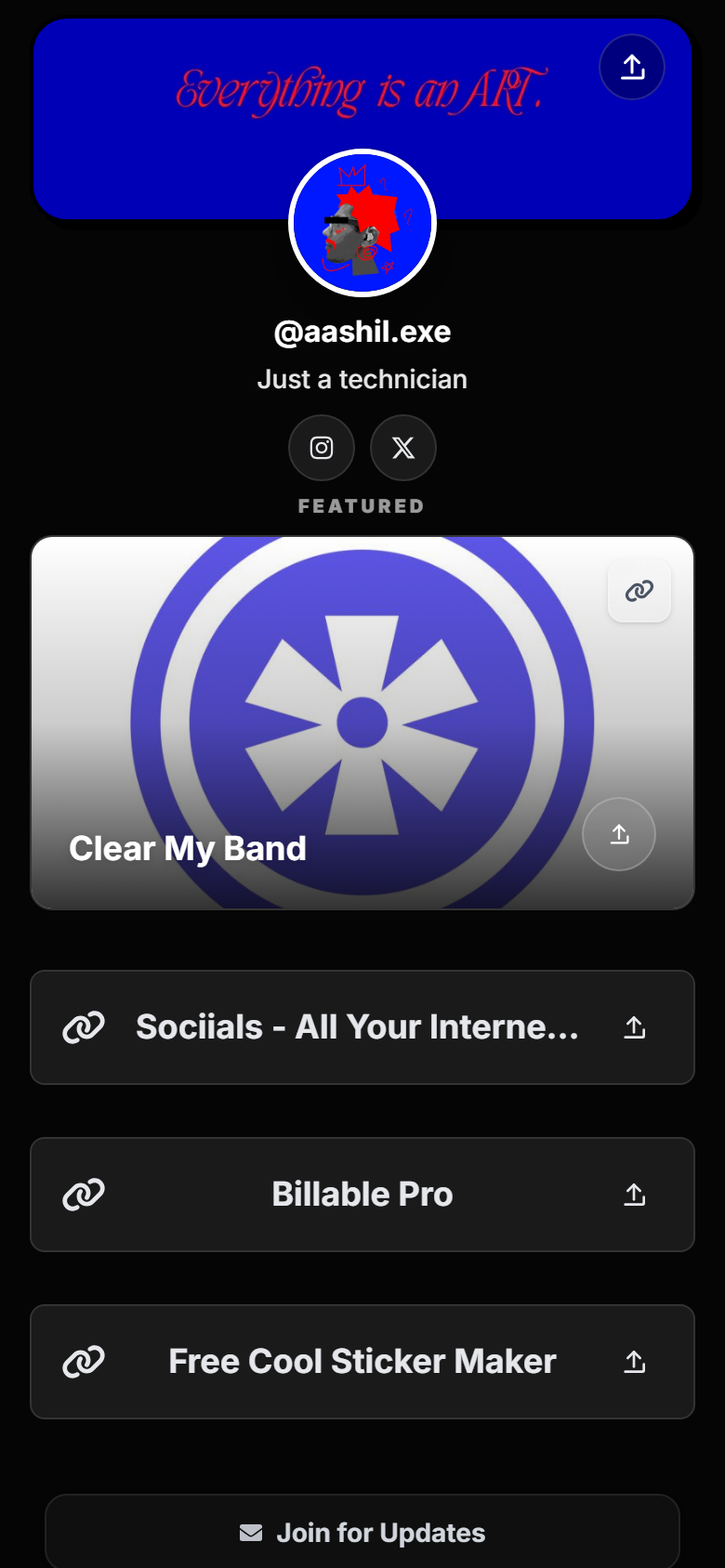
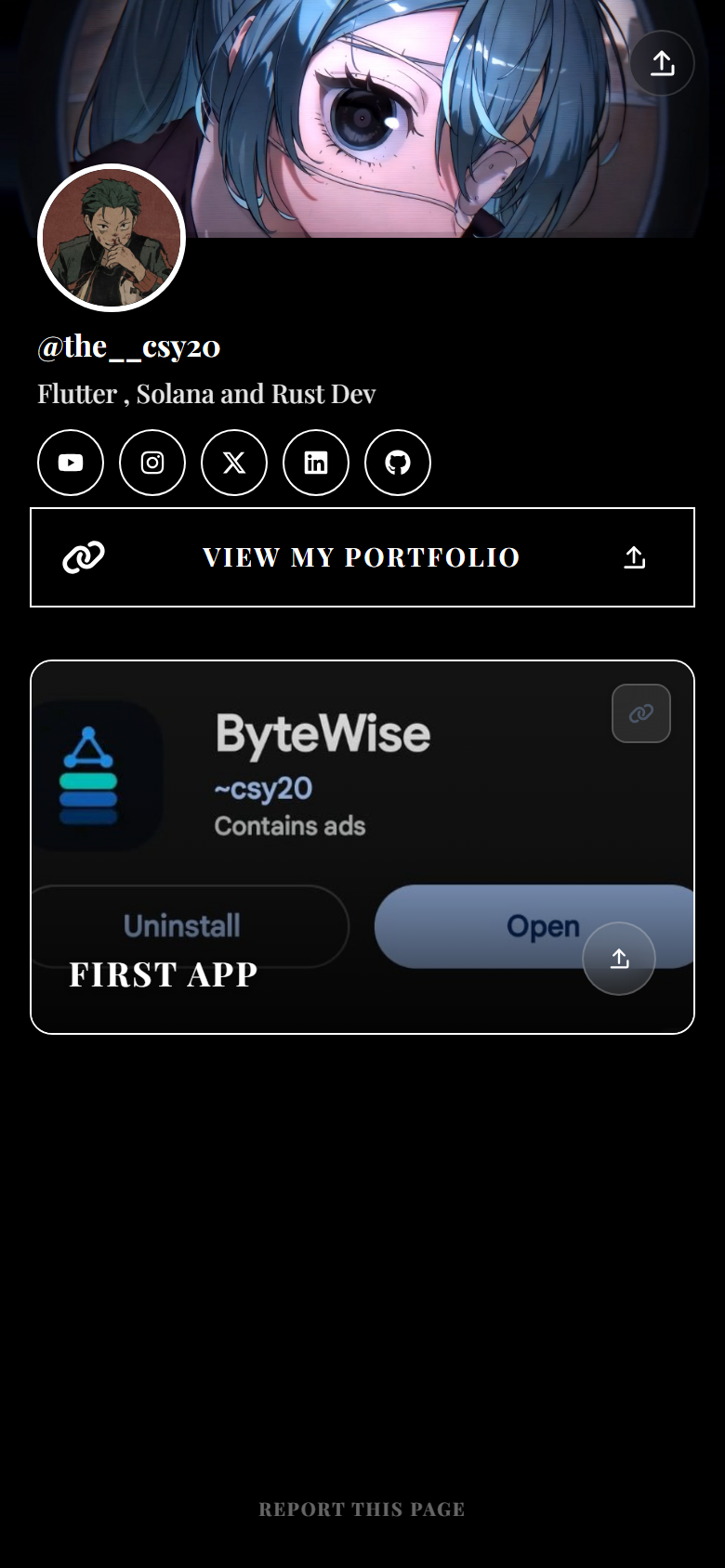
Your YouTube channel tab only allows one clickable website link. Description links help, but many viewers never expand the description — especially on Shorts and mobile.
A dedicated link-in-bio page gives you one permanent URL (like sociials.com/yourname) that you can update anytime without changing your channel link. Launch a video, swap the top button to your newest Short, add a merch card, or pin a coaching offer — all from one dashboard.
Shorts viewers scroll fast. They rarely read long descriptions. Saying “link in bio” in your Short only works if the destination page loads instantly and shows one obvious next step.
Long-form viewers may read descriptions, but a bio link page still wins when you promote multiple things at once — merch drop plus podcast plus Patreon. Keep Shorts traffic on a single hero link; use grouped sections on your Sociials page for everything else.
Every new account starts with a 7-day Pro trial (no card). Basic includes up to 30 links, smart embeds (YouTube, Spotify, Twitch, and more), a mini shop (10 products), newsletter capture, and 30-day click analytics so you can see which links Shorts viewers actually tap.
Connect your YouTube channel in settings to show a video feed card on your public page. Pro adds profile banners, story highlights, GIF link thumbnails, and longer analytics history.
Play videos directly on your bio page when smart embeds are on — fewer steps between your Short CTA and the watch.
Sell presets, courses, or merch with up to 10 product cards on Basic (100 on Pro). Checkout stays on your payment provider.
See page views and per-link clicks for 30 days on Basic — know if your “new video” button beats merch after each upload.
Update links after every upload without touching your YouTube channel website field again.
Description links are useful for SEO and super fans who read everything. They are not a replacement for a designed mobile landing page: descriptions are collapsed by default, hard to reorder on mobile, and mix timestamps with CTAs.
Use both. Keep your Sociials link in the channel profile and pin your hero offer at the top of your bio page. Add specific URLs in descriptions when a video is about one product only.
Reserve sociials.com/yourname — this becomes your permanent YouTube profile link.
Pin your latest video, merch, and newsletter. Connect YouTube in integrations if you want a feed card.
Pick a theme or custom colors so the page feels like your channel art.
YouTube Studio → Customization → Basic info → add your Sociials URL under Links → Website.
Open YouTube Studio, go to Customization, then Basic info. Under Links, add your Sociials URL in the Website field. That is the one clickable link on your channel profile.
Yes. One sociials.com/yourname URL works for Shorts CTAs, your channel banner, community posts, and video descriptions. Update the page contents when you publish — the URL stays the same.
Yes. Turn on smart embeds and add a YouTube link — visitors can watch without leaving your page. You can also connect your channel to show a YouTube feed card.
Yes. New accounts get a 7-day Pro trial with no card required, then continue on free Basic with up to 30 links, shop, embeds, and analytics.
Both give you one URL with many buttons. Sociials includes YouTube embeds, a mini shop, newsletter signup, and click analytics on Basic after your trial. Sociials is not affiliated with Linktree — compare plans on each official site before switching.
Yes. Sociials shows page views and per-link clicks. Basic keeps 30 days of history; Pro extends that to 365 days.
Get started
Claim your page, paste it into YouTube Studio, and update your top links after every upload.
Start free trialLinktree® is a registered trademark of its respective owner. Sociials is not affiliated with, endorsed by, or sponsored by Linktree. Plans and features on any third-party link-in-bio service can change — verify on that provider’s official site before you switch.