Inline YouTube player
Smart embeds render watchable video on your page — not just an icon that sends people away.
Smart embeds
Stop sending Shorts viewers to a plain button that opens YouTube in a new tab. With Sociials smart embeds, your latest video plays right on your bio page — fewer taps, more watch time, one link for every platform.
7-day Pro trialNo credit cardBasic free forever
One link for every platform
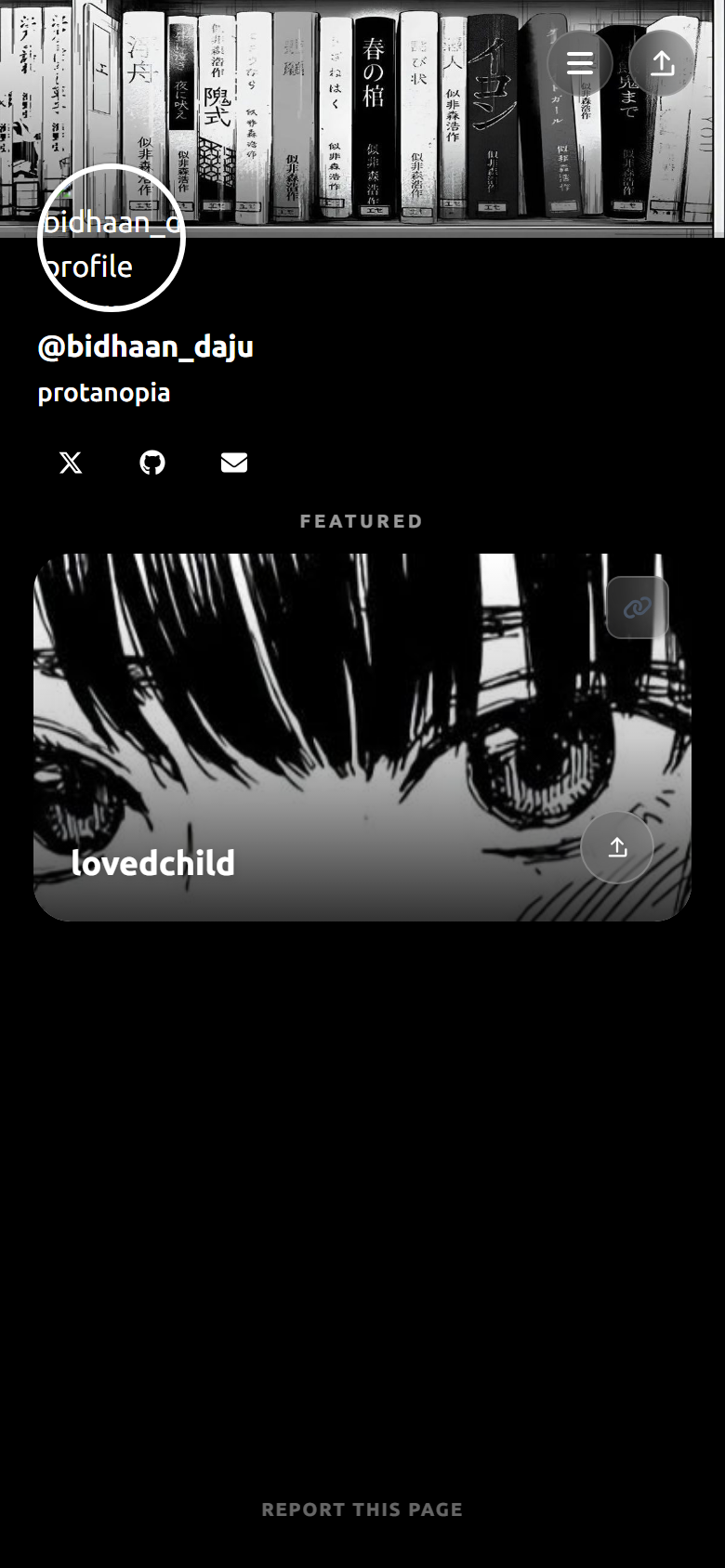
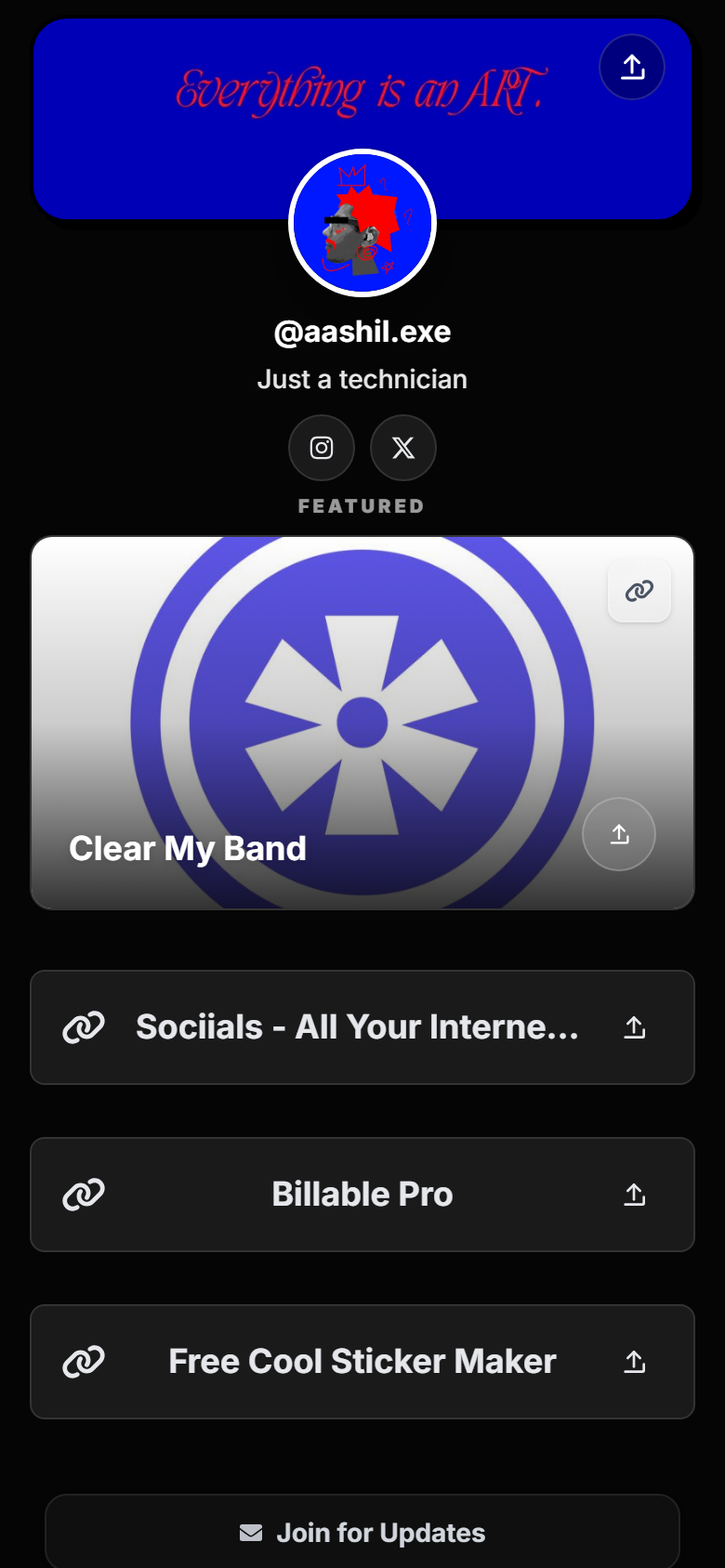
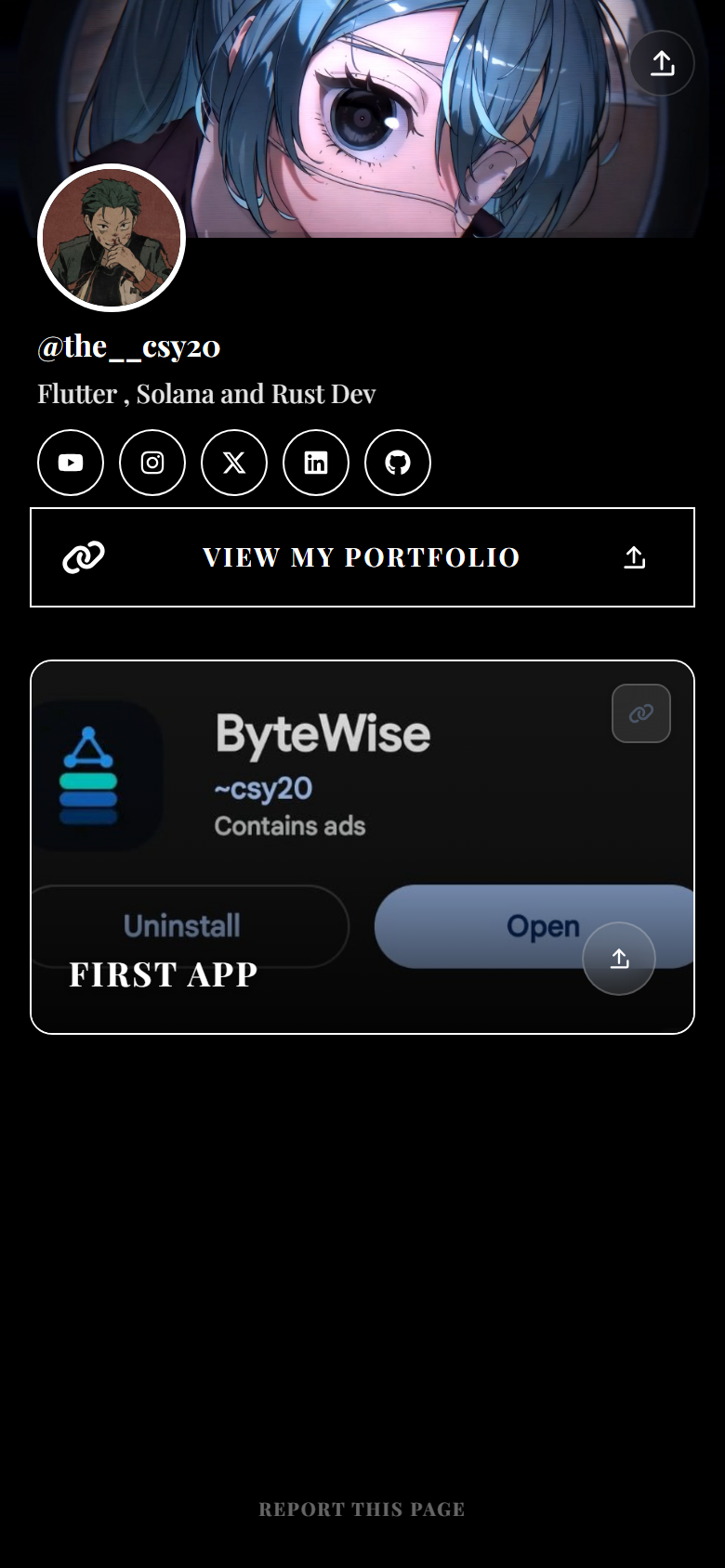
Most link-in-bio tools treat every link the same: a button that opens YouTube in another tab. Mobile users bounce — especially from TikTok or Instagram where they already context-switched once to reach your page.
An embedded player keeps visitors on your hub. They can watch a trailer, your newest Short compilation, or a product demo before tapping merch or newsletter. That extra screen time builds trust and lifts clicks on your primary CTA below the player.
Enable smart embeds on your Sociials page, then add a link to any supported YouTube URL. Sociials detects the video and renders an inline player instead of a generic outbound button. You can also connect your YouTube channel in integrations to show a feed card with recent uploads.
Smart embeds also support Spotify, Twitch, SoundCloud, Vimeo, and Apple Music — useful if you are a musician or streamer who wants one hub for every format.
YouTube embeds are one part of a full hub. New accounts get a 7-day Pro trial (no card). Basic includes smart embeds, up to 30 links, a mini shop (10 products), newsletter capture, and 30-day click analytics so you can see if viewers tap merch after watching.
Smart embeds render watchable video on your page — not just an icon that sends people away.
Connect YouTube in settings to surface recent uploads in a grid or carousel layout.
Sell presets, courses, or merch with up to 10 product cards while attention is high.
Measure page views and link taps for 30 days on Basic — test whether embed + CTA beats buttons alone.
Claim sociials.com/yourname and add your profile photo, bio, and primary CTAs.
In the editor, enable smart embeds for your page so video links render as players.
Paste the video link as a page link. Sociials detects YouTube and shows the inline player.
Put your Sociials URL in Instagram, TikTok, YouTube, and X — viewers watch on the hub first.
Yes. On Sociials, enable smart embeds and add a YouTube link — it renders as an inline player on your public page instead of a plain outbound button.
Yes. Sociials bio pages are mobile-first. Embedded players are designed for phone traffic from Instagram and TikTok bios.
You can add multiple YouTube links within your plan limits (up to 30 on Basic, 100 on Pro). Lead with one hero embed; stack others below or use a connected channel feed card.
Smart embeds are available during the 7-day Pro trial and on Basic after the trial. See /pricing for current plan details.
A smart embed plays one specific video inline. The YouTube integration feed card shows multiple recent uploads from your connected channel in a grid or carousel.
Some tools offer video blocks or embeds on paid tiers. Sociials includes smart embeds on Basic after trial. Compare features on each provider’s official site — Sociials is not affiliated with Linktree or other third-party tools.
Get started
Turn on smart embeds, paste your video URL, and share sociials.com/yourname in every bio.
Start free trialLinktree® is a registered trademark of its respective owner. Sociials is not affiliated with, endorsed by, or sponsored by Linktree. Plans and features on any third-party link-in-bio service can change — verify on that provider’s official site before you switch.